Video on Link Hover Webflow cloneable
Elevate your Webflow site with this Awwwards winners showcase cloneable by Dhruv Sachdev. Impressively rebuilt, it offers a visually engaging way to showcase agency and studio achievements through sleek design and custom features. Ideal for award presentation sections, this cloneable enhances user experience and professionalism, ensuring seamless navigation and optimized visual appeal. Get inspired and boost your website's prestige with this high-quality design solution.
About cloneable
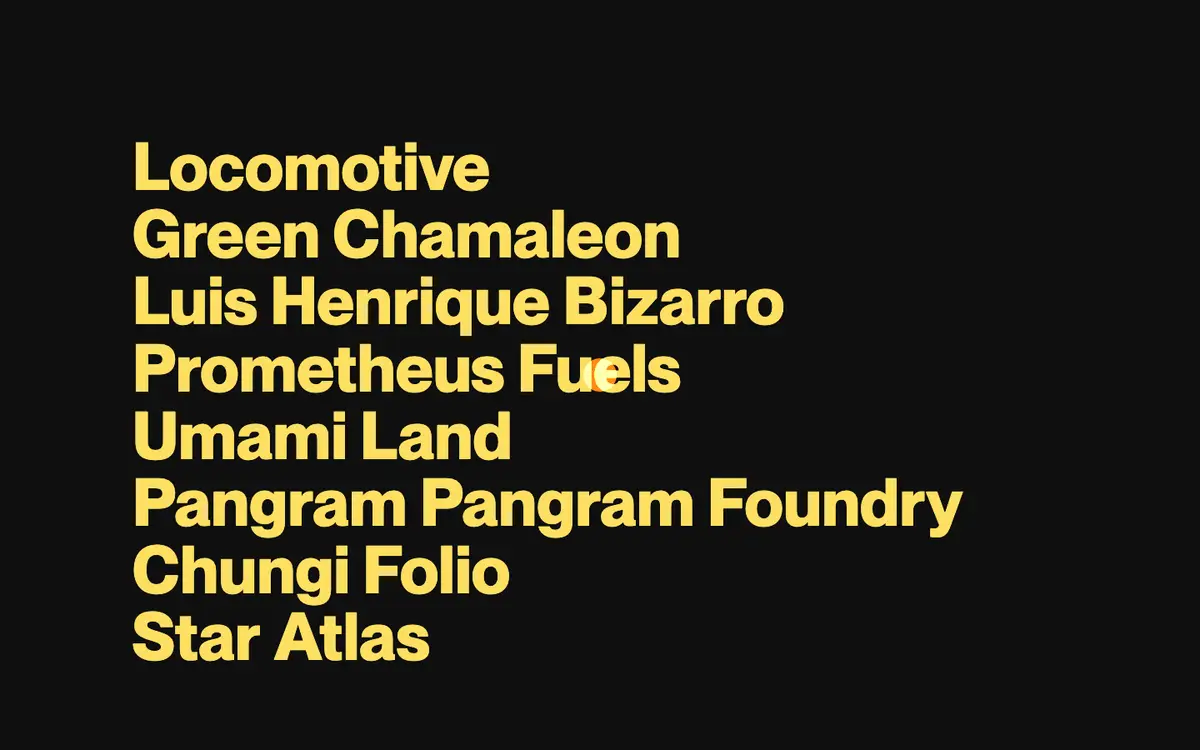
This Webflow cloneable, created by Dhruv Sachdev, is an impressive rebuild of the winners menu presented at the Awwwards Annual Awards 2021. It provides a visually engaging way to showcase agency and studio achievements, utilizing a sleek design to enhance user experience.
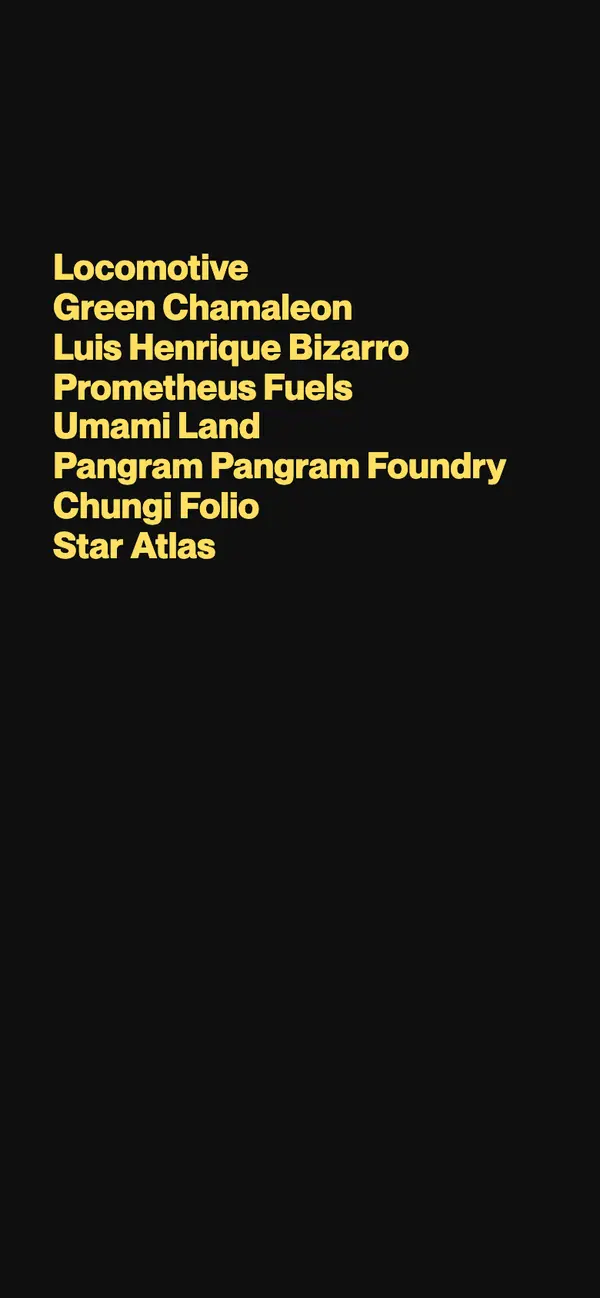
Featuring categories such as "Agency of the Year," "Studio of the Year," and "E-commerce Site of the Year," this cloneable presents a stunning layout that can be easily integrated into any Webflow project. Each category entry is displayed in a continuous marquee effect, creating an eye-catching visual that captures visitors' attention and allows for seamless navigation through the list of accolades.
Webflow users will find this cloneable particularly beneficial for creating award presentation sections on their websites, enhancing prestige in their portfolios or landing pages. The implementation of custom CSS and JavaScript ensures compatibility across various browsers, with the added advantage of improved form handling and aesthetic interactions that elevate the website's overall professionalism.
Furthermore, the inclusion of hover effects and non-interactive cursor elements contributes to a smooth user interface, guiding visitors through the featured content. By incorporating this cloneable into their projects, Webflow users can effectively convey their achievements while ensuring an optimized experience that resonates with visitors.
Overall, this cloneable stands as a testament to quality design, making it a valuable resource for any Webflow user looking to enhance their site's presentation abilities.
About CSS
What is the purpose of the CSS class .menu-item-media in Webflow?
The .menu-item-media class is set to have pointer-events: none;, which disables any mouse events on elements with this class. This is particularly useful in Webflow when you want to prevent interactions (like clicks) on specific elements, ensuring that they do not interfere with any underlying actions or functionalities.
How does the CSS for the marquee effect work in Webflow?
The CSS for the marquee effect is defined through the .marquee-track class and the @keyframes animation named marquee. The class positions the marquee absolutely and ensures that its content is displayed in a single line due to white-space: nowrap;. The animation property causes the content to move from the starting position to a translated position over 40 seconds in a continuous loop. By setting will-change: transform;, it informs the browser to optimize for this transformation.
How does the @keyframes rule affect animations in Webflow?
The @keyframes rule creates animations by defining a sequence of keyframes. In this case, it specifies that the animation starts with the element at its original position (translateX(0)) and ends with the element translated horizontally to the left (translateX(-50%)). This allows for a smooth, continuous scrolling effect that can be utilized in Webflow to add engaging visual interest.
What is the significance of pointer-events: none; in the context of web development?
Using pointer-events: none; makes elements non-interactive in the DOM. This means that the element will not respond to any mouse or touch events. In the context of Webflow, this is particularly beneficial when layering elements or when you want to ensure certain UI elements remain passive while still being visually present on the page.
How can hover effects on body elements enhance user experience in Webflow?
The hover effect defined by body:hover .cursor {opacity:1.0;} enhances user experience by providing visual feedback. When a user hovers over the body of the page, it makes a cursor element (presumably styled through the .cursor class) fully opaque, which can help guide users or emphasize interactive elements. This is a subtle addition that can improve the overall fluidity of the user interface in Webflow.
Why is .cursor-wrapper {pointer-events: none;} used in conjunction with cursor hover effects?
The .cursor-wrapper {pointer-events: none;} style is used to prevent mouse events on the cursor wrapper itself. This allows the cursor to visually respond without interfering with the interaction of other elements on the page. In Webflow, this can help create a seamless interaction experience by ensuring the custom cursor does not capture clicks or hover states meant for underlying elements.