Publish AI Search Optimized Content with Promptwatch Webflow App
Monitor AI search performance and publish AEO content to your Webflow site with Promptwatch.
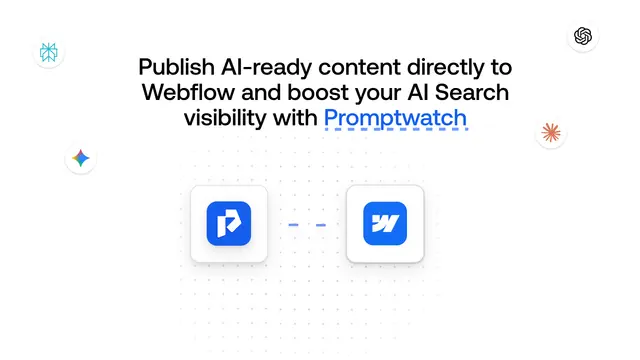
Teams working to build their presence in AI search can use Promptwatch to track brand visibility and prepare content for a Webflow site.
Set up a Promptwatch account, connect Webflow CMS, then create and publish content from the platform.
What it asks for
Promptwatch is listed as free. Its Webflow permissions allow it to edit CMS content and assets, and read pages and sites.
Features worth knowing
- Monitor user prompts, brand mentions, sentiment, visibility scores and share of voice across AI platforms.
- Use citation analysis to identify sources and content linked to AI visibility.
- Agent Analytics shows when AI crawlers read site pages and can include related clicks and citations.
- Ask the Content Agent to generate or refresh AEO content from citation data, then publish it to Webflow.
When it's a good fit
Promptwatch fits teams focused on AI search presence who also want to publish optimized material through Webflow CMS. It brings performance questions, content work and publishing into one workflow.
Common questions
Which AI platforms can I track with Promptwatch?
Promptwatch tracks visibility on ChatGPT, Gemini and other AI search engines.
Can Promptwatch show how people feel about my brand in AI search?
Yes. Its tracking includes sentiment for brand mentions across AI platforms.
Can I see which sources are linked to AI visibility?
Yes. Citation analysis identifies sources and content associated with AI visibility.
Can I see when AI crawlers read my Webflow pages?
Agent Analytics reports crawler reads and can show related clicks and citations.
What can I ask Promptwatch’s agent to do?
You can ask about AI search performance or request content creation and publication.