Anime.js Webflow cloneable interactive animations
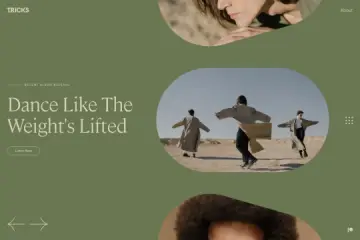
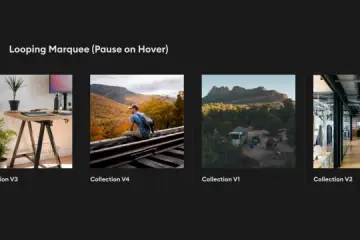
Elevate your web design skills with this Webflow cloneable interactive animations. Crafted by Timothy Ricks, this cloneable features cutting-edge libraries like Anime.js for captivating animations. Enhance user engagement with dynamic interface elements and responsive design techniques. Perfect for Webflow developers looking to incorporate professional-level design components into their projects.
About cloneable
This Webflow cloneable, crafted by Timothy Ricks, serves as a powerful resource for Webflow developers seeking to elevate their design skills and incorporate sophisticated animations and interactions into their projects. Requested by members of the Webflow designers Facebook group, this cloneable features various modern design techniques aimed at enhancing user engagement and overall aesthetic appeal.
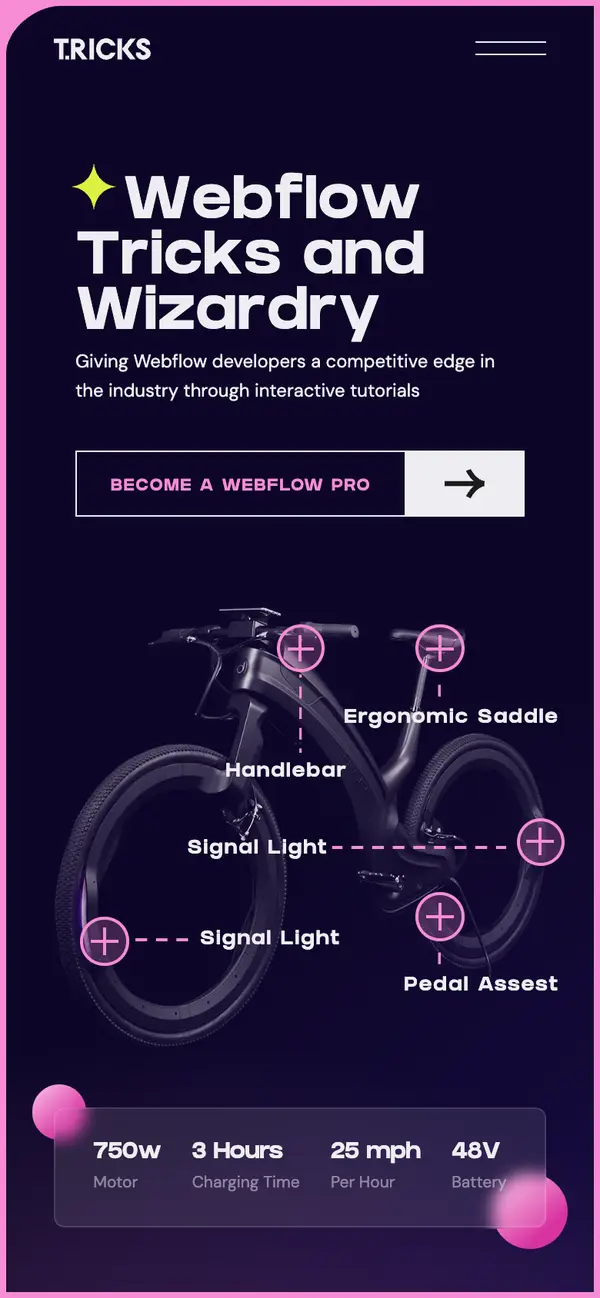
At its core, this cloneable showcases a visually dynamic interface, enriched with interactive elements that respond to user input. It leverages cutting-edge libraries, such as Anime.js, to create fluid animations that capture attention and enhance content delivery. The inclusion of custom CSS techniques, such as backdrop filtering and clever use of media queries, ensures responsive design that adapts beautifully across various screen sizes.
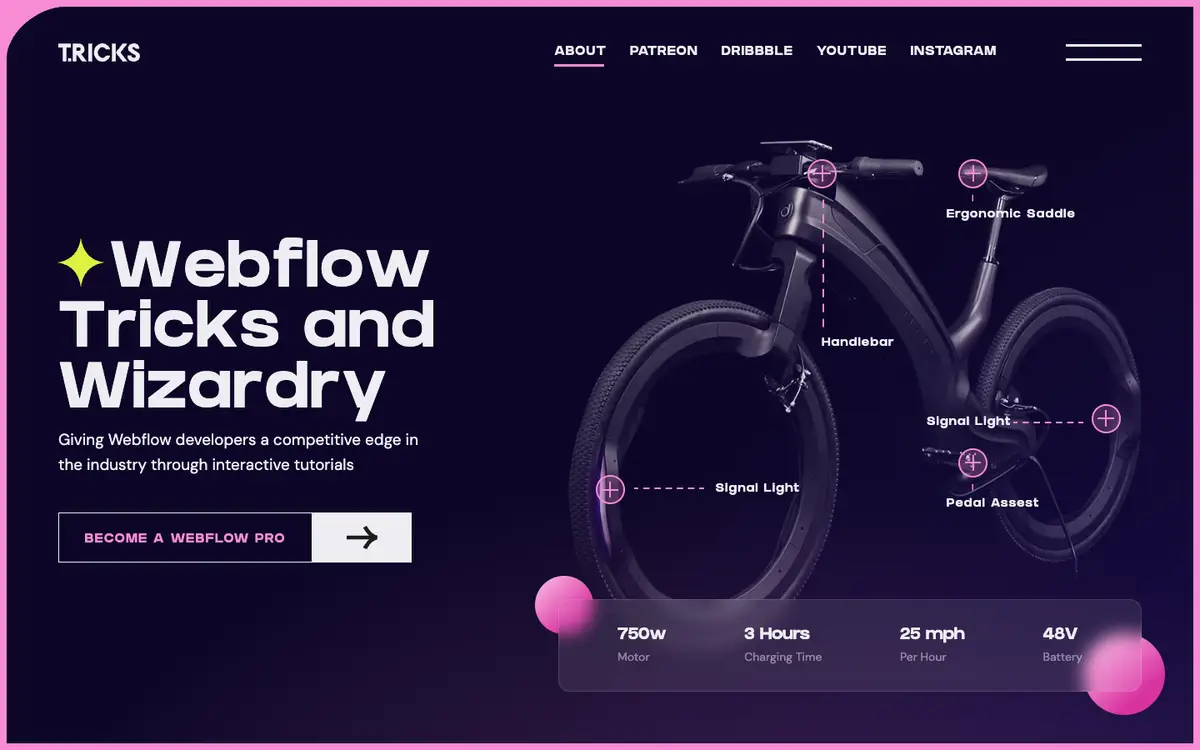
Developers can benefit from implementing this cloneable on their websites by gaining insights into effective CSS strategies, including managing content visibility through class manipulation and improving typography with Google Fonts integration. The interactive features, like dynamic navigation line movement and toggling visibility of bike-related information, not only enhance user experience but also encourage deeper exploration of the content.
By studying and adapting this cloneable, Webflow users will have the opportunity to refine their skills and incorporate professional-level design components into their own projects, fostering creativity and efficiency in their web design endeavors. This cloneable stands as a testament to modern web design principles, offering invaluable lessons in creating visually stunning and user-friendly interfaces.
About CSS
What does the ::selection CSS rule do in this Webflow code?
The ::selection CSS pseudo-element applies styles to the portion of a document that has been highlighted by the user. In this specific case, any selected text will have a background color of rgba(92,49,255,0.99), a white text color, and no text shadow. This creates a visually appealing interaction for users in a Webflow project when they select text, enhancing the overall user experience.
How do the .hide and .show-p classes work in this CSS snippet used in Webflow?
The .hide class is designed to make an element fully invisible by setting its opacity to 0 and disabling any interaction with it by using pointer-events: none;. Conversely, the .show-p class introduces a slight margin-top of 0.3em and sets the opacity to 1, making the element visible and allowing user interaction. These classes can be very useful in Webflow for creating dynamic content visibility toggles.
What media queries are used in this Webflow CSS code, and how do they affect font size?
The CSS includes two media queries. The first one applies when the screen width is at least 1440px, setting the font-size of the <body> to 14px. This effectively converts any em units used in the document to px, providing a more consistent rendering across larger screens. The second media query activates when the screen width reaches 1920px, adjusting the height of elements with the class .container.is--hero, allowing for responsive design adaptations based on the screen size in Webflow.
Can you explain the usage of the backdrop-filter property in .hero__card-fill in this Webflow code?
The backdrop-filter: blur(0.7em); property applied to the .hero__card-fill class is used to create a blurring effect on content behind the element. This styling enhances visual hierarchy and can be particularly effective for overlay elements. It is prefixed with -webkit- to ensure compatibility with WebKit browsers. This property is useful in Webflow for creating modern, visually appealing interfaces that use layered design techniques.
What is the purpose of the .hero__card-content class styled with a mask image in this Webflow CSS?
The .hero__card-content class applies a -webkit-mask-image with a radial gradient from white to black. This mask image allows for creative visual effects by controlling the visibility of the element's content based on the gradient. The white areas of the gradient will reveal the content, whereas the black areas will hide it. This technique is great for creating dynamic, layered designs in Webflow, giving developers a way to design sophisticated UI elements.
How do the .letter and .tricksword classes function in the context of this Webflow CSS?
The .letter class is set to display: inline-block; and opacity: 0;, which means elements with this class will take up space in the document layout but will be invisible to the user. The .tricksword class has a white-space: nowrap; style, preventing the text from wrapping onto multiple lines. This combination can be used in Webflow for creating animations or transitions where letters appear one by one or control the layout of text without line breaks.
About Javascript
How does the JavaScript code manage navigation line movement in a Webflow project?
The code features a function called moveLine, which is responsible for adjusting a navigation line’s position and width based on the currently active menu item (indicated by the class w--current). When users hover over navigation links, this function updates the line's appearance to match the hovered item, providing a visually appealing navigation experience.
What external libraries are utilized in this Webflow JavaScript code?
The code makes use of several external libraries, including:
- Anime.js for creating animations, which allows the code to apply effects such as fade-in animations to elements with the class "fade-up".
How does the animation work with Anime.js in this script?
The script creates an animation timeline using Anime.js that targets elements with the class "letter" within the "fade-up" class. The animation moves letters vertically from a distance of 100 pixels into their original position while fading them in. This effect enhances the visual dynamics of text displayed on a Webflow site, making it more engaging to users.
What functionality does the click event in the JavaScript code provide for the bike section?
The click event listeners on elements with the class .bike__dots facilitate interactive functionality by toggling classes that control the visibility of bike-related elements when clicked. For instance, it shows or hides additional information, changes images, or modifies the visual state of the bike section, thus enhancing user interaction in a Webflow design.
How do hover effects enhance the user experience in this Webflow JavaScript code?
Hover effects are implemented through mouseenter and mouseleave event listeners for elements with the class .nav__link. When a user hovers over a navigation link, the code updates the navigation line's position and width to match the hovered link, reinforcing visual feedback and improving the navigational experience on a Webflow site. Upon leaving the link, the line reverts to the currently selected link, maintaining a clear indication of the active state.