
Splide.js slider Webflow cloneable
Enhance your Webflow project with a Splide.js slider Webflow cloneable. Enjoy a lightweight, responsive slider with customizable CSS for optimal performance and sleek design. Upgrade your website with seamless transitions and versatile settings for an engaging user experience.
About cloneable
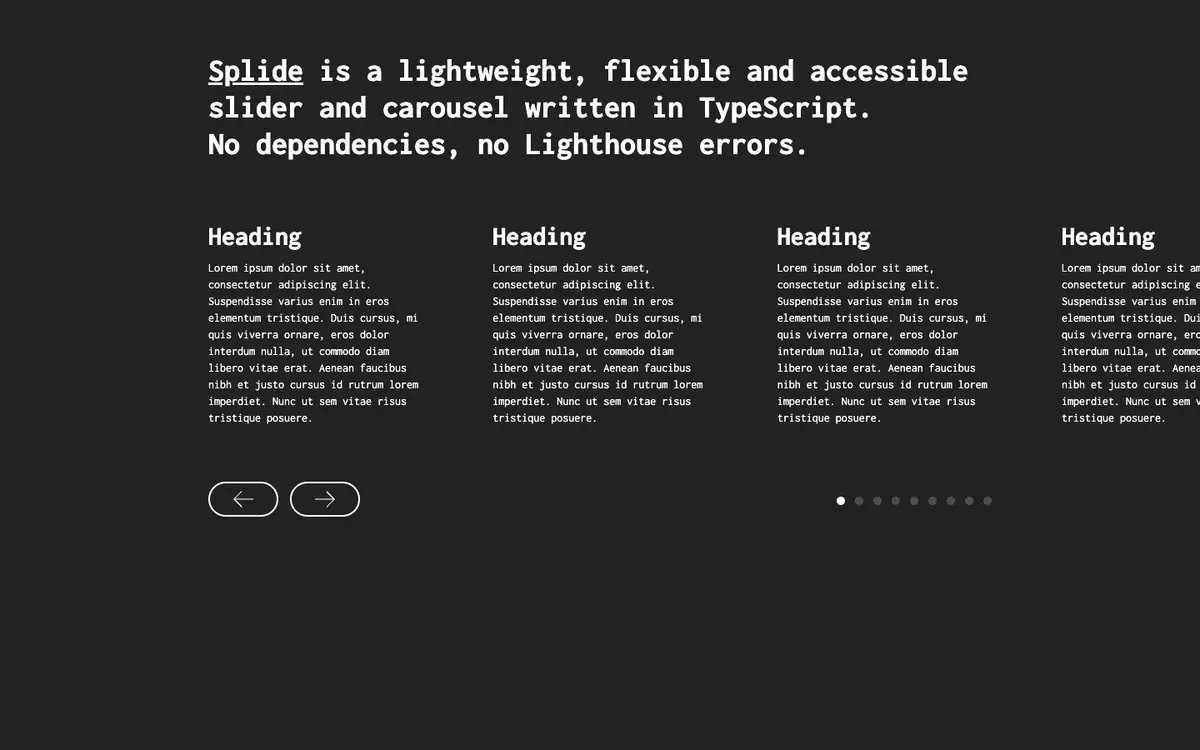
This Webflow cloneable by Nigel Payne introduces a sleek and versatile slider built using the Splide.js library, specifically version 3.2.2. Splide.js is recognized for being lightweight, flexible, and accessible, making it an excellent choice for integrating sliders and carousels into Webflow projects without relying on external dependencies, thus ensuring optimal performance and a clean design without Lighthouse errors.
The cloneable features customizable CSS, enhancing the presentation of the slider by allowing all slides to be visible within the viewport. This customization not only improves visual appeal but also enhances user experience by ensuring that content is adequately displayed without clipping. The included JavaScript functionality allows for seamless transitions between slides, with an adjustable speed parameter that provides versatility in user interactions.
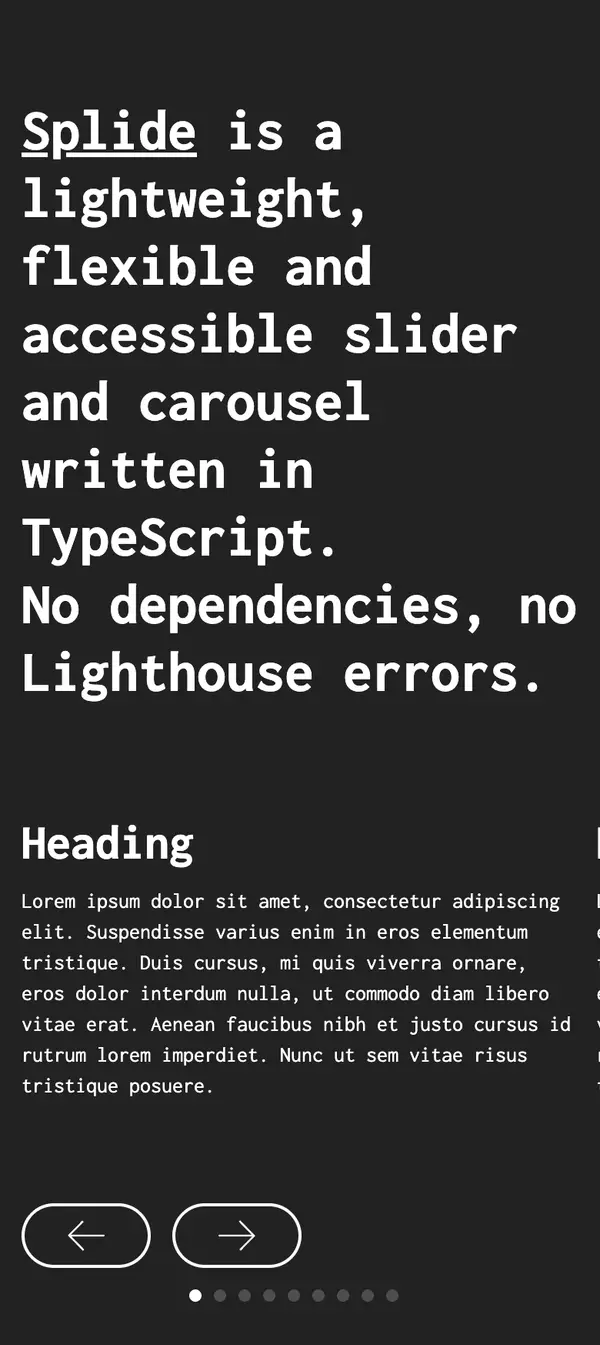
One of the standout benefits of implementing this slider is its responsive configuration. It adapts smoothly to various screen sizes, allowing web designers to specify distinct settings for mobile, tablet, and desktop devices. This ensures an intuitive browsing experience across different platforms, captivating users regardless of device type.
Additionally, the cloneable incorporates WebFont and placeholders libraries, enriching typography and enhancing form usability in older browsers. By integrating the Splide.js slider into a Webflow website, users will gain a dynamic and polished presentation tool, heightening their site's visual appeal and functionality while ensuring a smooth user experience that aligns with modern web standards.
About CSS
How does this CSS code customize the appearance of the Splide slider in Webflow?
This CSS code primarily targets the Splide slider library, which is commonly used to create carousels and sliders in web applications, including those built in Webflow. The first rule overrides the default behavior of the .splide__track class, making all slides visible by setting overflow: visible;. This adjustment allows the contents of the slider to be fully seen without being clipped, enhancing the presentation of slides for users.
What is the significance of the disabled button styles in the Splide slider when using Webflow?
The second rule changes the styling of buttons within the Splide slider when they are disabled. By adjusting the opacity property to 0.4 for disabled buttons, it visually signifies to users that they cannot interact with those buttons, either because there are no more slides to navigate to or the slider is not in a state to respond to input. This provides a clearer user experience by indicating which actions are currently available.
How do external libraries like Splide interact with custom CSS in Webflow?
In Webflow, when using external libraries like Splide, developers can customize styles through custom CSS, as shown in the provided code. By adding CSS rules, developers can tailor the appearance and behavior of the Splide components to match their design needs or functional requirements. This integration allows for a seamless experience between Webflow’s built-in features and external libraries, enabling a high degree of customization while maintaining good performance and usability.
About Javascript
How does Splide.js integrate with Webflow for creating carousels?
The code snippet includes the Splide.js library, which is loaded from a CDN. Splide.js is a lightweight and flexible carousel or slider library that provides a variety of customizable options. In the provided code, the Splide constructor is initialized on elements with the class 'splide', allowing developers to create a responsive slider that adjusts the number of visible slides based on screen size. The configuration options allow significant control over the carousel's behavior, such as defining the number of items per page, the gap between slides, and enabling/disabling pagination and navigation arrows, making it a powerful tool for enhancing Webflow UI components.
What are the responsive capabilities offered by the Splide.js slider in this Webflow implementation?
The Splide slider in this Webflow implementation provides responsive capabilities through the use of breakpoints. By specifying different configurations for various screen widths, such as 991px, 767px, and 479px, developers can customize the number of slides displayed (e.g., 2 for tablets, 1 for mobile devices) and the gap between slides, ensuring the presentation is optimized for a range of devices. This responsive behavior helps maintain a good user experience across desktop and mobile platforms.
What functionality does the script provided offer for adjusting the slide transition speed in Splide.js?
The script includes the attribute speed: 600, which controls the transition speed between slides in the Splide.js carousel. This setting defines the duration (in milliseconds) that it takes for a slide to transition to the next one. A longer speed can create a smoother, more visually appealing effect, while a quicker speed can make interactions feel more dynamic. Adjusting this parameter allows developers to tailor the user experience in Webflow based on the specific needs of their projects.