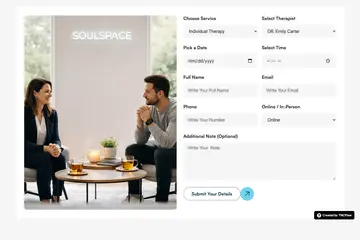
Service Area Availability Form Webflow Cloneable
A service-area form with Google address autocomplete and availability routing for businesses that need to check coverage and collect leads.
About cloneable
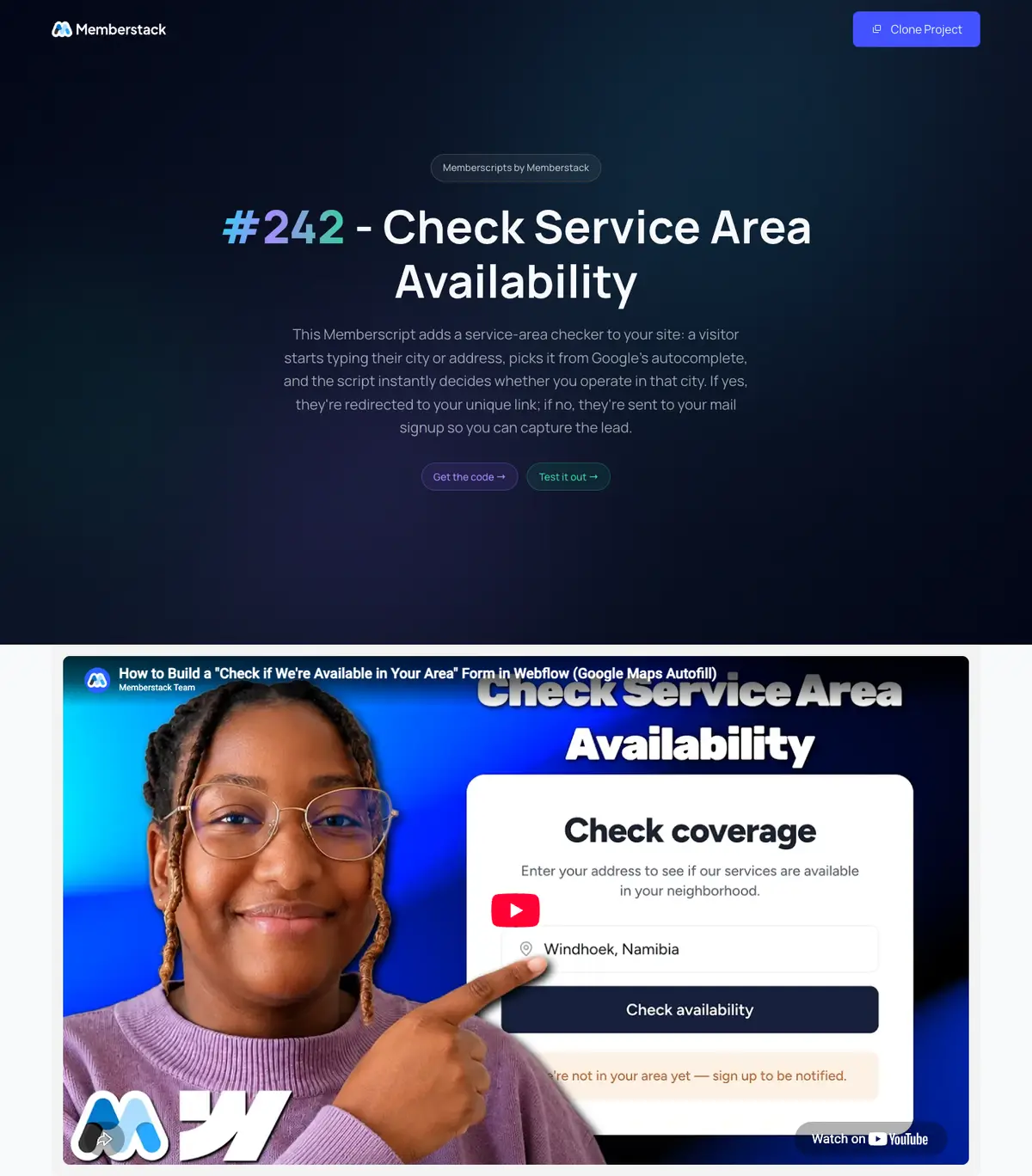
This Webflow cloneable adds a service coverage check to a page. A visitor enters a city or address and selects a suggestion from Google autocomplete. The form then checks whether the service is available at that location. Visitors in covered areas are directed to a designated link; visitors outside the area are sent to a mailing-list signup.
The page presents the checker as a compact form with a coverage heading, address field, and availability button. The example includes an address entry and a signup message beneath the form. Its core behavior comes from a Memberstack Memberscript, which handles the location lookup and routes each visitor based on the result. The project also includes a video preview illustrating the form in use.
A business with location-based services could clone this setup to help prospective customers check coverage before getting in touch, while giving people outside its service area a way to leave their details. It can serve as a starting point for adapting the form and its destinations to a local delivery, appointment, or other geographically limited offering.