Algolia CMS Search Examples Webflow Cloneable
A Webflow search demo with movie and actor results, shown with custom elements and native fields for creators adding Algolia search to a CMS site.

About cloneable
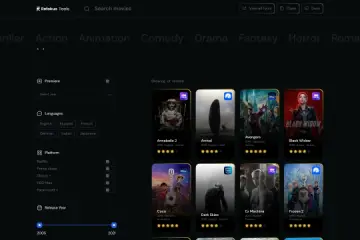
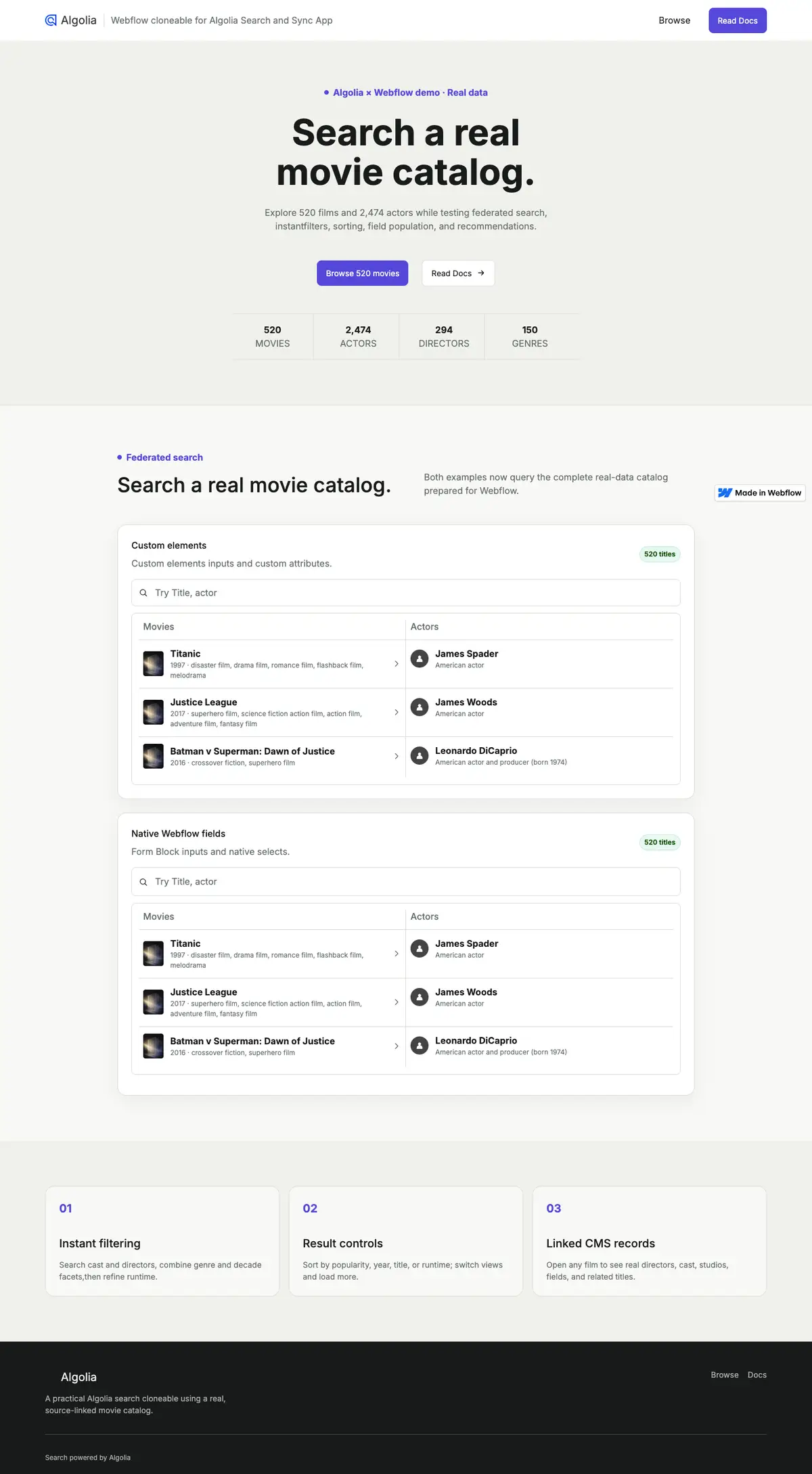
This cloneable presents a movie-catalog search demo. The page opens with a headline and links to browse the catalog or read documentation, followed by counts for movies, actors, directors, and genres. Below, two search examples display movie and actor results in adjacent columns. Movie rows include a poster, title, year, and genre details; actor rows show names and short descriptions.
One example uses custom elements and the other uses native Webflow form fields, including selects. Both are set up to demonstrate searches across content types, narrowing results, changing their order, loading more entries, filling results with CMS data, and suggesting related content. The configured attributes connect the elements to the Algolia Search and Sync app. To use the project, clone it, install the app, connect an Algolia account, configure the CMS sync, and add the script provided for the setup.
Webflow creators can clone it to learn how the search patterns are arranged or adapt them for a site with Algolia-backed CMS content. It is useful for comparing custom and native form controls while building search across different kinds of records.