
GSAP Cursor Image Trail Webflow Cloneable
Add a GSAP-powered image trail that follows the cursor, with editable images and adjustable trail density for portfolios, editorial pages, or campaigns.
About cloneable
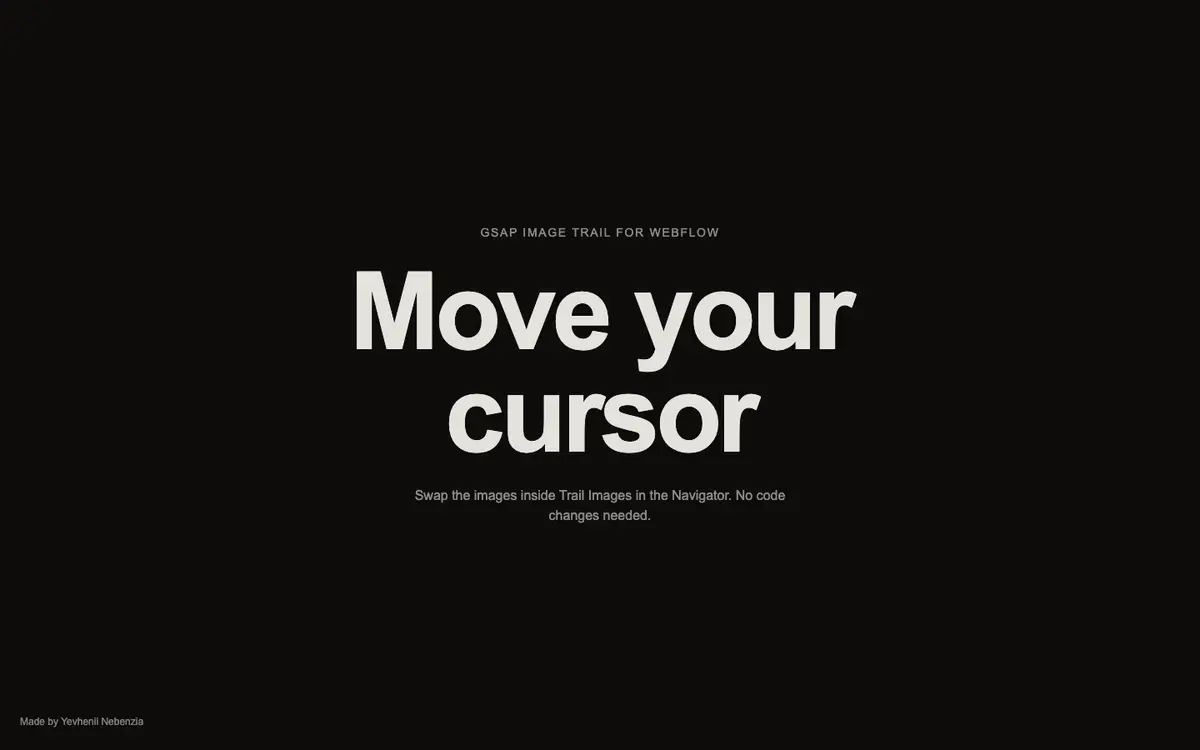
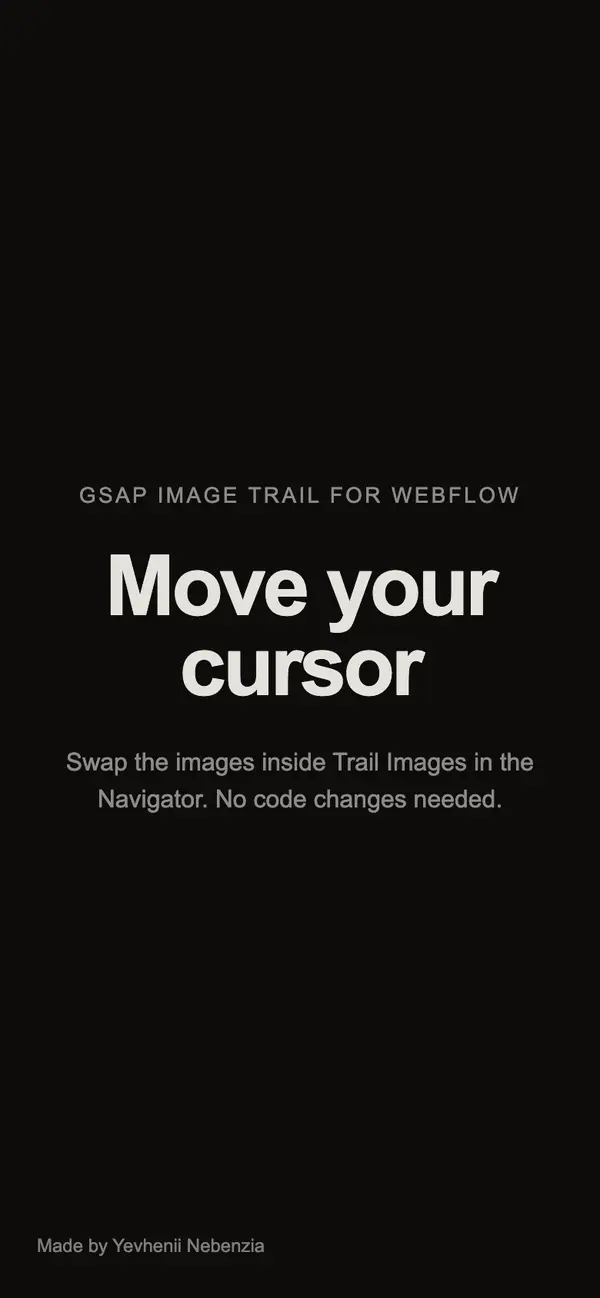
A dark, minimal page centers the large heading “Move your cursor” above a short note about changing the trail images in the Navigator. Moving the mouse brings images onto the page along its path; they tilt and fade as the cursor travels. The interaction adds a visual layer to an otherwise restrained layout.
The trail uses GSAP and two data attributes to connect the images and configure the effect. Replace images directly in Webflow’s Navigator, and change the trail density with an attribute. The animation is disabled on touch devices and when reduced motion is enabled, accommodating those browsing contexts without requiring a separate touch interaction.
Clone this for a portfolio, campaign, or editorial page that would benefit from cursor-responsive imagery. It is a focused effect that can be added to an existing design: choose images that fit the page, set the trail density, and let the movement provide the interaction.