First Visit Member Content Swap Webflow Cloneable
Show different content for first-time and returning members, with session-aware logic and a Memberstack profile marker. Clone it for a membership site.
About cloneable
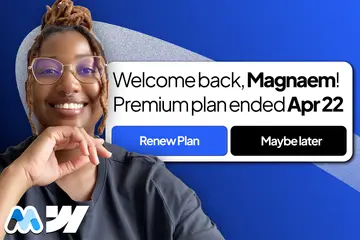
This Webflow cloneable switches between content for a member’s first visit and content for returning members. On an initial visit, it displays the first-time version and records a marker in the member’s Memberstack JSON. That first-time content remains visible through refreshes during the same session; the returning-member version appears when a new login session begins.
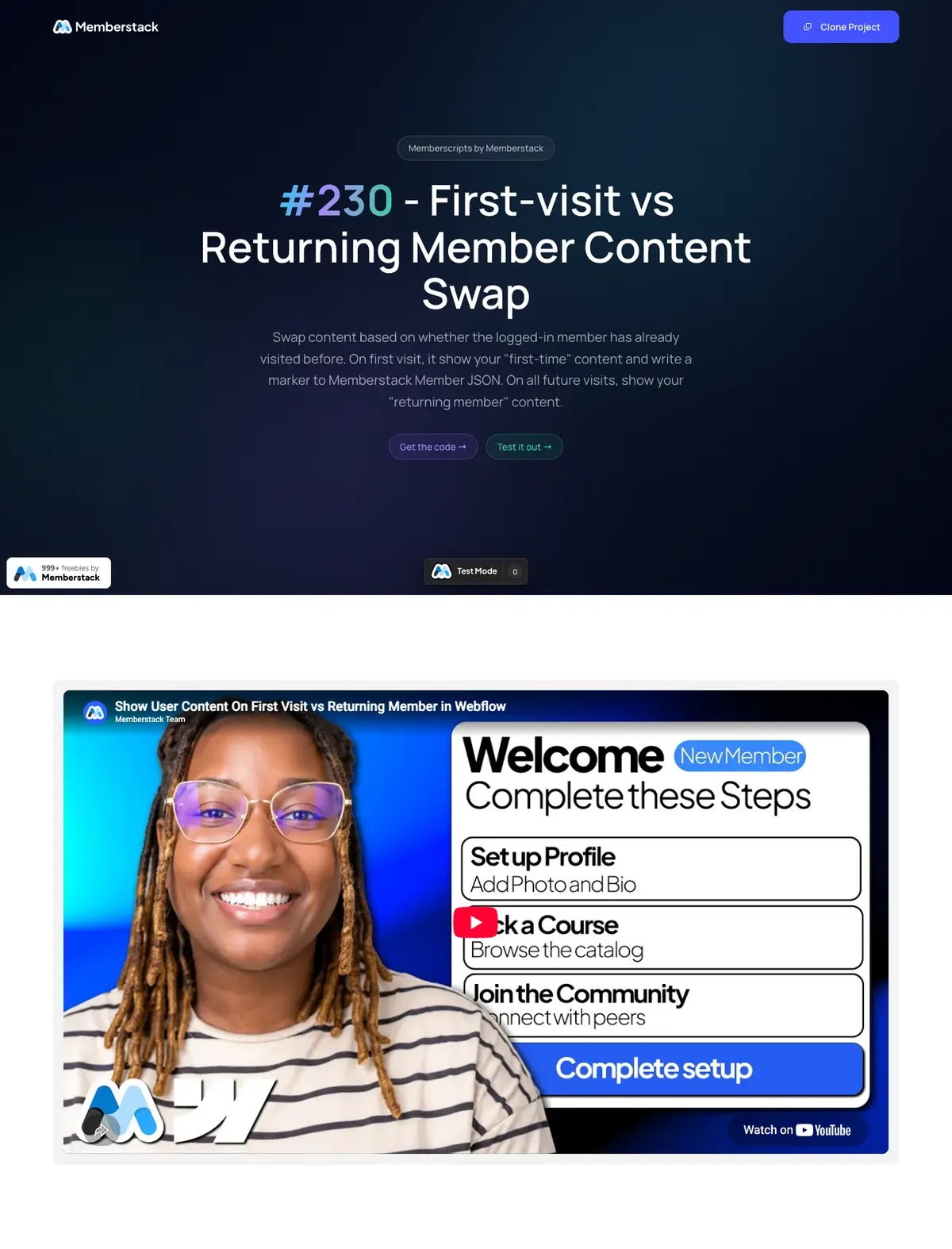
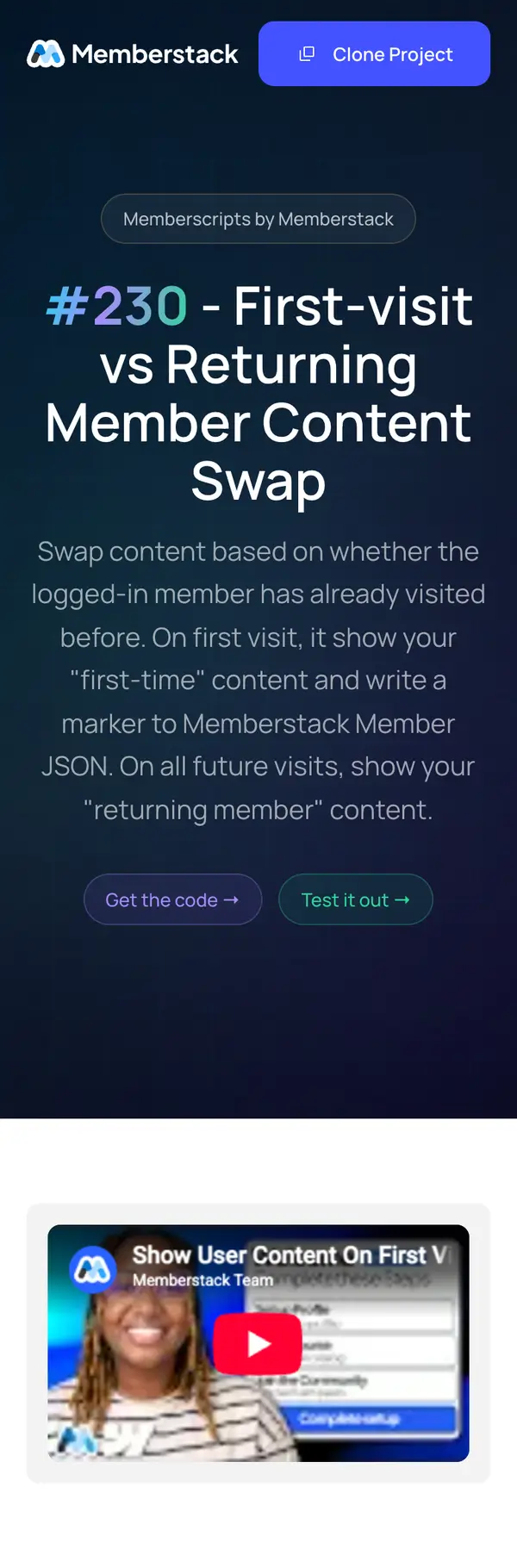
The project page presents a dark Memberstack-branded hero with the title “First-visit vs Returning Member Content Swap,” a short explanation, and buttons to get the code or test it. Below, an embedded video preview features a welcome screen for a new member, with steps to set up a profile, browse a course catalog, and join a community. The conditional display logic connects the visit and login-session states to the content a member sees.
A site builder could clone this setup to tailor onboarding for new members while presenting different material when they sign in again. It suits membership sites that want to guide first-time visitors through setup and show returning members another version of a page.