Custom Cursor Blend Mode Webflow cloneable
Design custom cursors with the Custom Cursor Webflow cloneable by Muhammad Ukasha. Elevate user interaction with blending modes, detailed CSS configurations, and seamless overlay interactions. Customize animations and integrate libraries for dynamic user experiences.
About cloneable
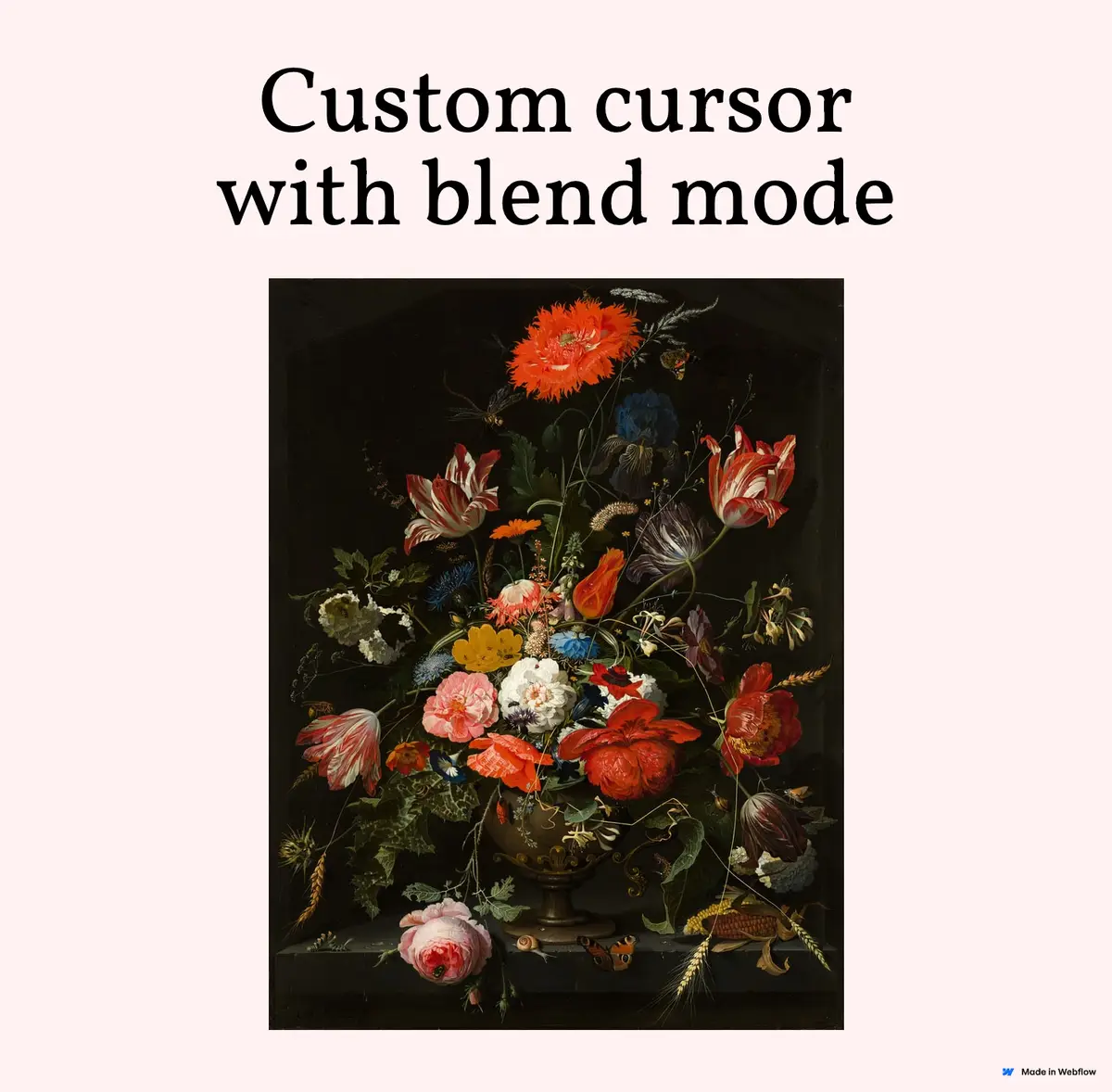
This Webflow cloneable, crafted by Muhammad Ukasha, empowers users to design custom cursors using the newly introduced blending mode in Webflow. By implementing this feature, web designers can elevate their projects with unique and visually engaging cursor functionalities that enhance user interaction.
The cloneable offers a detailed CSS configuration, particularly the .cursor-wrapper class, which manages cursor visibility through opacity adjustments based on user hover actions. This ensures that the custom cursor becomes fully visible when the user hovers over the body of the page, merging creativity with functionality. Additionally, the pointer-events: none; property allows the cursor to overlay other elements without interrupting user interactions, making it an ideal choice for creating seamless designs.
Webflow users can modify the provided CSS code to tailor the cursor’s behavior, including animations through properties like transition or transform, thus creating a more dynamic user experience. Moreover, the potential integration of external JavaScript libraries can further enrich this interaction, with tools like GreenSock Animation Platform (GSAP) providing smooth, motion-responsive cursors that follow user movements.
The cloneable also showcases the efficient incorporation of libraries such as WebFont Loader and HTML5 Shiv, ensuring optimal font loading and compatibility across various browsers, particularly for older versions. By leveraging these advanced functionalities, Webflow users can deliver engaging, accessible, and visually stunning websites that captivate visitors and enhance overall site usability. Integrating this cloneable is a pathway to a more custom, interactive web experience, positioning designers to create standout projects in an ever-evolving digital landscape.
About CSS
What does the CSS code for the cursor-wrapper class do in Webflow?
The CSS code targets an element with the class .cursor-wrapper and modifies its opacity based on the hover state of the body. When the user hovers over the body, the opacity of the .cursor-wrapper element changes to 1.0, making it fully visible. Outside of the hover state, the default opacity can be assumed to be less than 1.0, potentially making the cursor-wrapper invisible or semi-transparent.
How does pointer-events work in the .cursor-wrapper class in Webflow?
The .cursor-wrapper class has the property pointer-events: none;, which means that this element will not respond to any mouse events. This allows the cursor wrapper to be layered over other content without interfering with user interactions like clicks or hovers on those underlying elements, which is particularly useful in Webflow to maintain usability while customizing the cursor appearance.
Can this CSS code be modified for custom cursors in a Webflow project?
Yes, this CSS code can be modified and utilized in a Webflow project to create custom cursors. By adjusting the opacity and other properties like transform for animation effects, developers can enhance the cursor's visibility or movement. For instance, by adding styles like transition or transform, the cursor can be animated smoothly, providing an improved user experience.
How can external JavaScript libraries complement this CSS code in a Webflow project?
External JavaScript libraries can be used alongside this CSS code to add interactive features related to cursor manipulation. For instance, a library like gsap (GreenSock Animation Platform) can be integrated to animate the position of the cursor-wrapper based on mouse movements. This would allow the custom cursor to not only appear on hover but also follow the mouse around the screen dynamically, creating a more engaging interaction for users in a Webflow site.