Embed Interactive Images with Interactivity Studio Webflow App
Add interactive images to your Webflow site so visitors can explore image details or reach product pages.
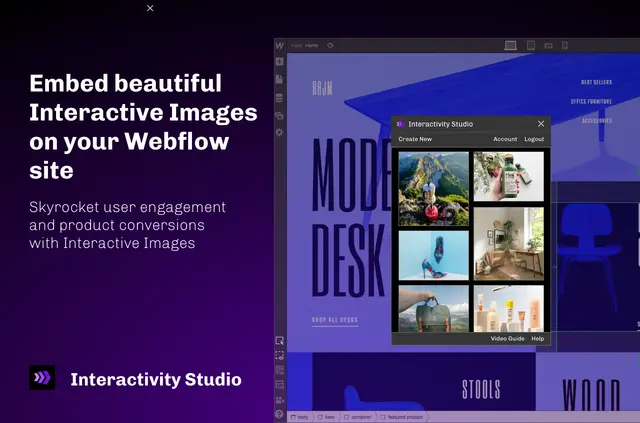
Adding clickable details to site images can require extra tools or manual work. Interactivity Studio lets you build interactive images and embed them on your Webflow site.
You can make image segments that contain images, text, video or buttons, giving visitors ways to explore details within an image.
Pricing and permissions
Interactivity Studio has a free option as well as paid plans. When installed, it requests permission to edit custom code and sites.
Limits to know
Register your Webflow domain in your Interactivity Studio account for interactive elements to work. You can embed only images created from your own account.
How setup works
Install and open the app, then add your Webflow domain under Account and Billing in Interactivity Studio. Create an interactive image, sign in through the Webflow app, select a Webflow block and insert the image.
Publish your Webflow site to display the image.
Common questions
What can visitors do with interactive image segments?
Visitors can click a segment to reveal information or open a linked product page.
Can I embed an image created in someone else's account?
No. You can embed only interactive images created from your own Interactivity Studio account.
What types of content can an image segment contain?
A segment can include images, text, video and buttons.