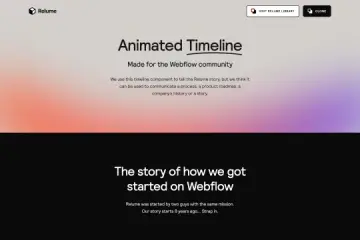
Vertical Milestone Timeline Webflow Cloneable
A vertical timeline with a centered intro, date markers, text, buttons, and image areas. Clone it to present milestones, history, or project stages.

About cloneable
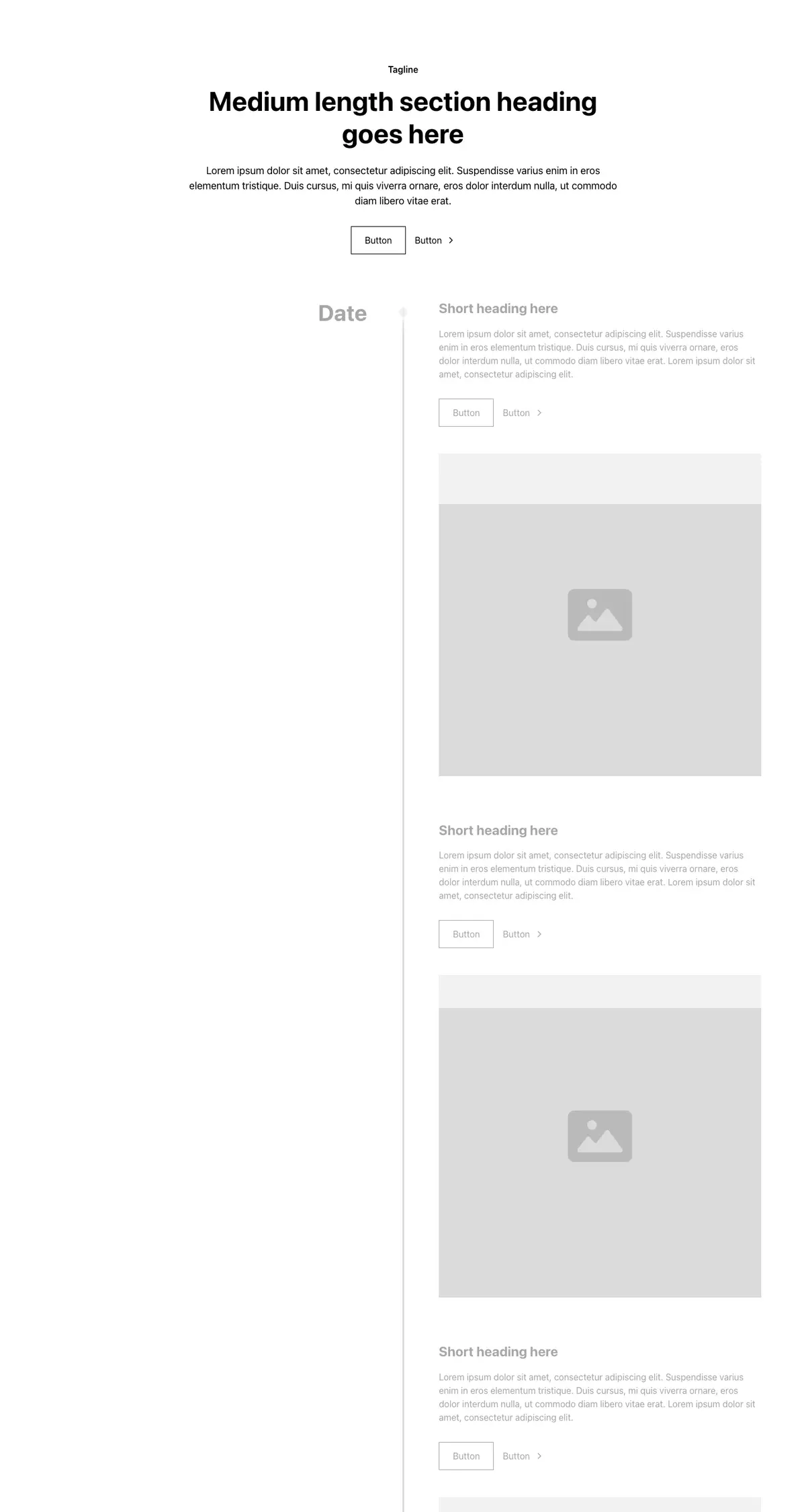
This cloneable is a vertical timeline section for presenting events in sequence. A centered introduction includes a small tagline, a large heading, supporting text, and two buttons. Beneath it, a vertical line runs down the page, with date labels and markers on the left and an entry beside each marker. Entries include a short heading, descriptive text, two buttons, and an image area.
The design uses a repeated layout for each timeline item, making it suitable for a history, a set of organizational milestones, or stages in a project. Its structure follows the Client-First framework and Relume Style Guide, so the section can be adapted within a Webflow project using those conventions. The timeline’s text, dates, links, and images provide the content for visitors to follow from one event to the next.
Clone it when a page needs to explain events in chronological order, such as a company’s development, a historical account, or a process with distinct stages. Replace the sample content with relevant dates and details, then use the image areas to pair visual material with entries.