GSAP Hover Button Animation Webflow Cloneable
A compact button component pairs a “Hover Me” label with an arrow icon and a smooth GSAP hover interaction, ready to adapt in Webflow.
About cloneable
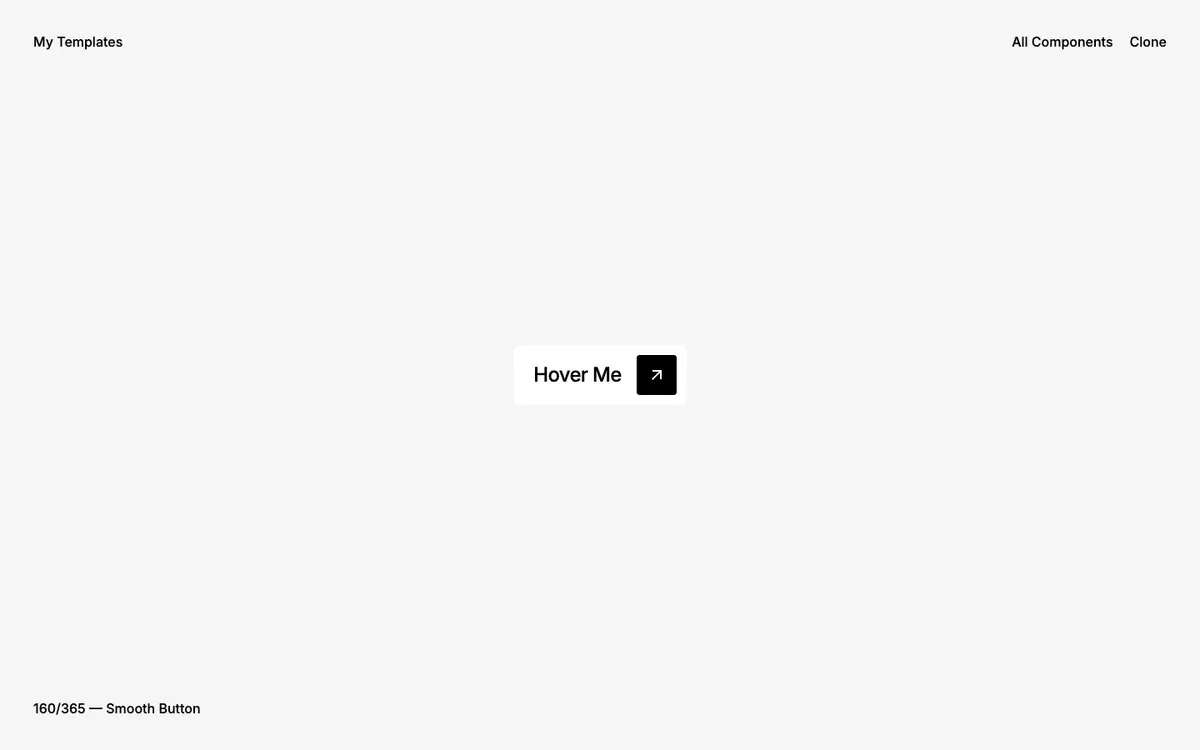
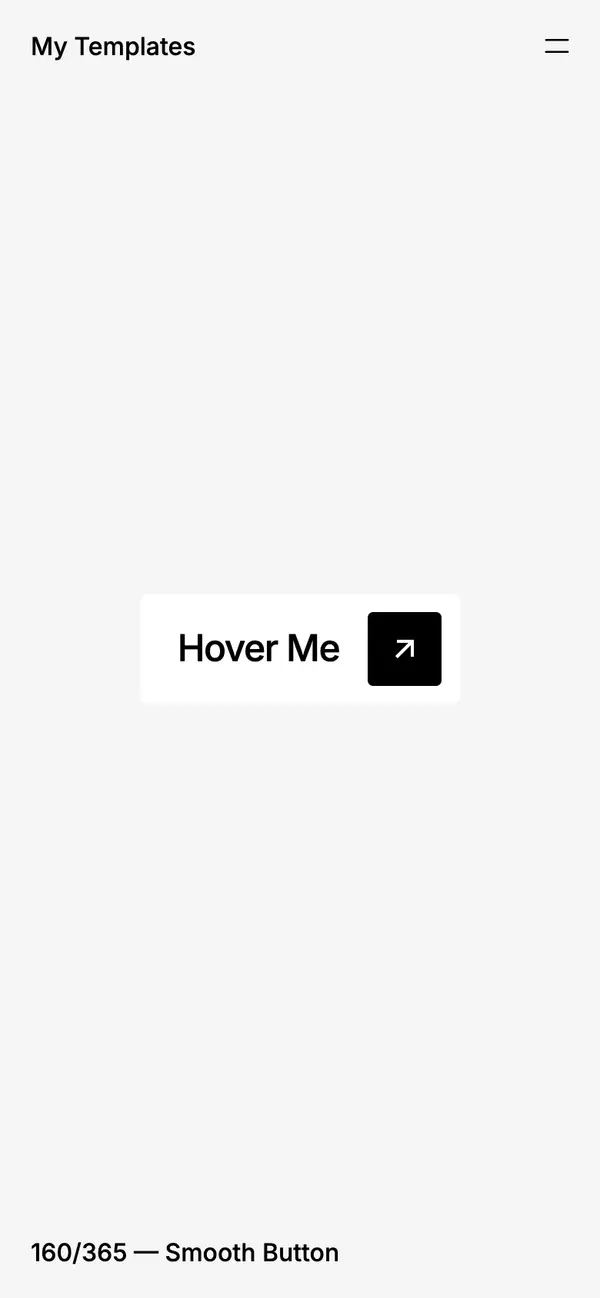
This Webflow cloneable centers on one button interaction. The preview places a white button labeled “Hover Me” against a light gray field, with a black square containing an arrow at its right. Small navigation links sit across the top, and the component name appears near the lower left. The restrained layout keeps attention on the button rather than on surrounding content.
The button’s hover animation is powered by GSAP. Its compact presentation makes the interaction easy to inspect and provides a focused starting point for someone building a site button that responds to pointer input. The visible label and arrow combine text with an icon in a single control.
A designer or Webflow developer could clone it to study the animation, adapt the button’s appearance for a project, or use the interaction as a component in a larger interface. It suits calls to action and navigation links where a small animated detail can help communicate that the element is interactive.